
1. Type or copy "mmsys.cpl" into the Start Menu and click on the following 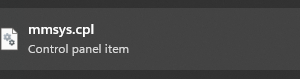
2. Open the recording devices Tab at the top and double-click on the Microphone you are using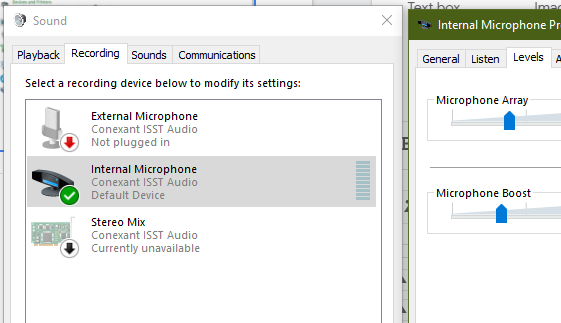
3. Go to the Levels Tab and unmute the mic using the button to the right of the slider
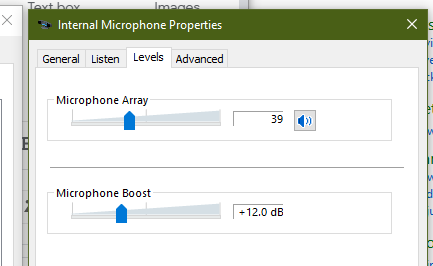
If unmuted The icon should look like this:
If muted, it will look like this:

4. When this has been done, select "OK" to apply changes.