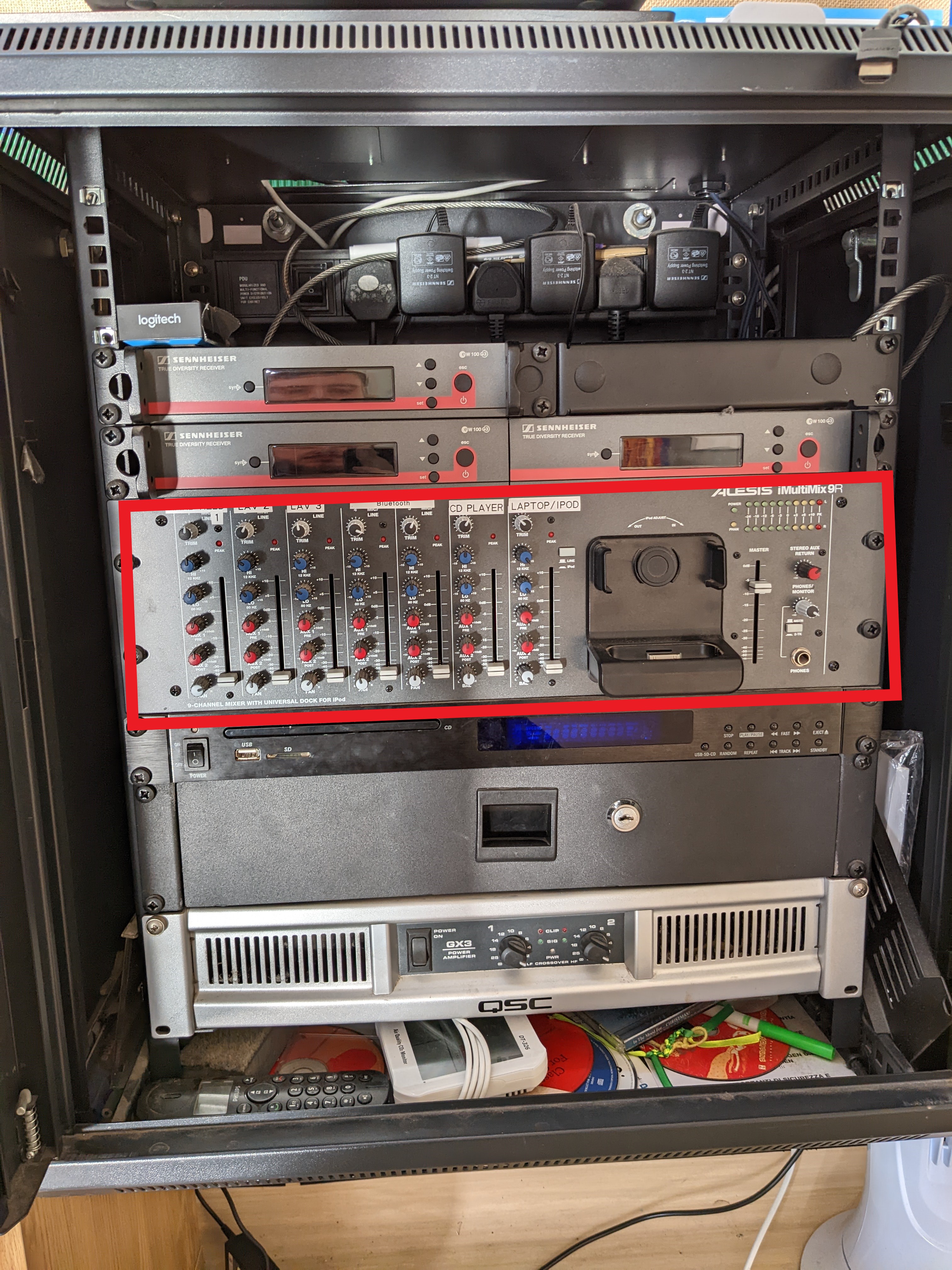
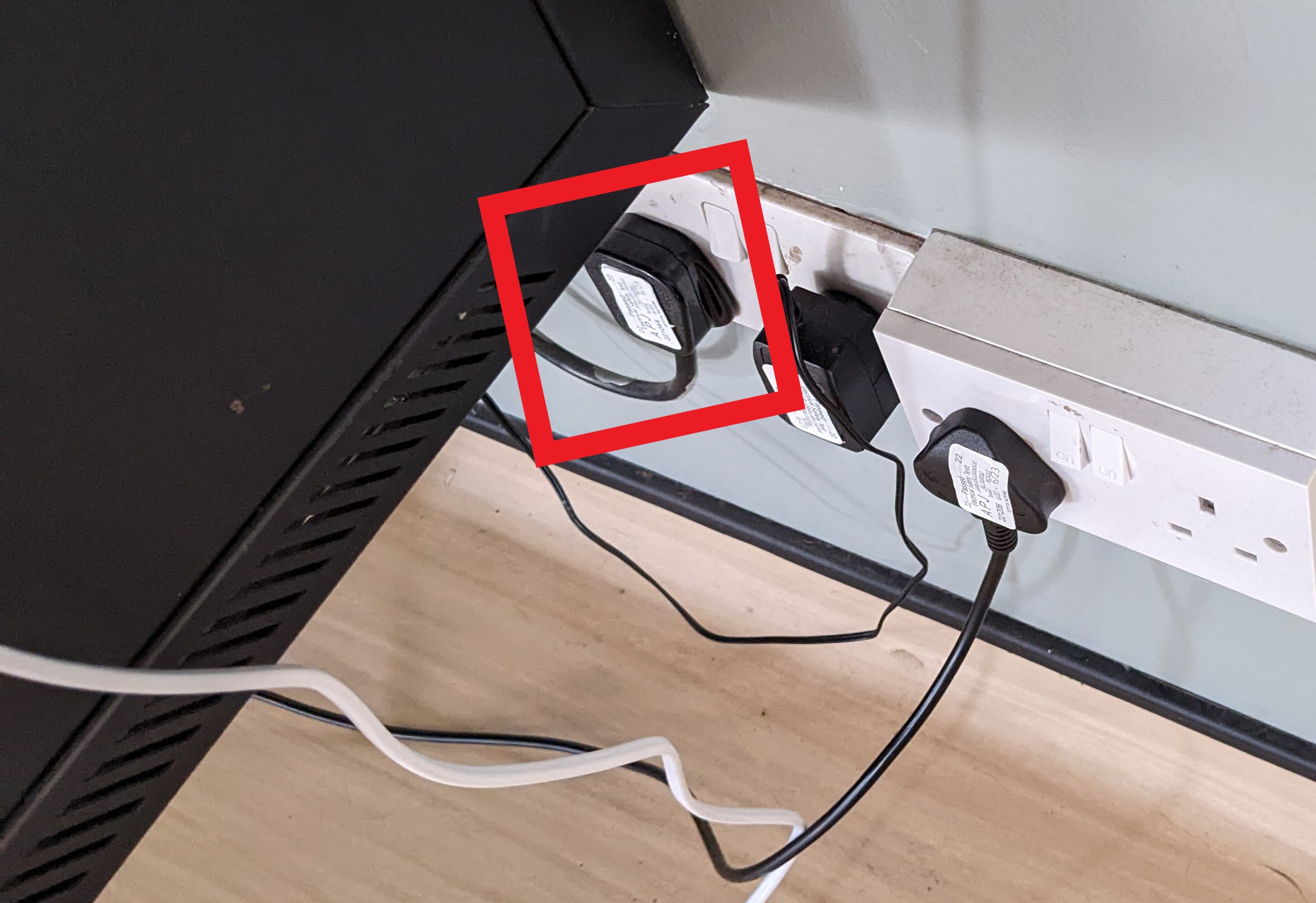
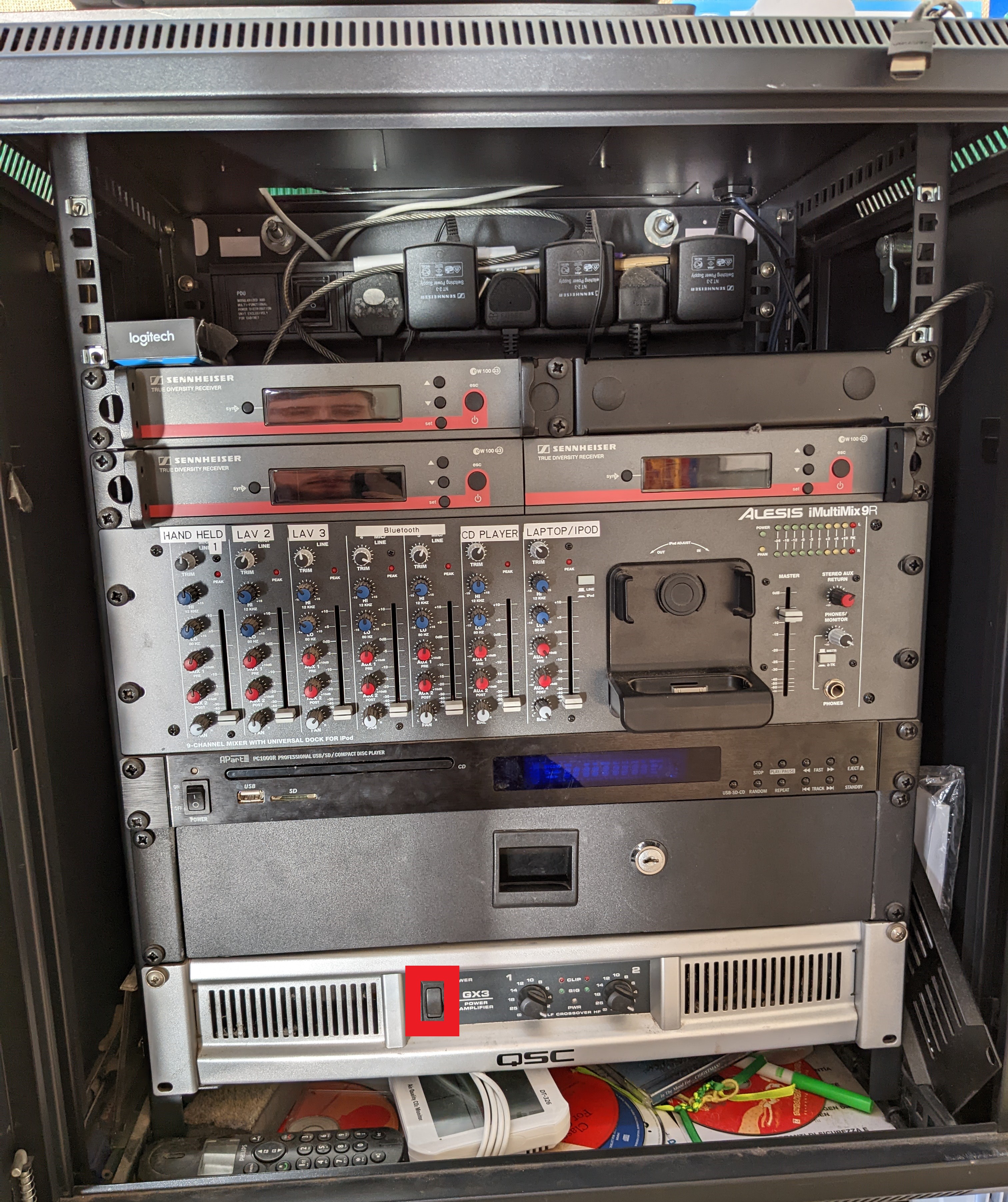
Step 1 - Turn on cab and sound system Marked with a RED Box (Plug just below AV unit) (Optional CD player, Switch on left front of unit)
Step 2 - Lower the Projector screen and turn it on (Left remote for projector, Right remote to raise and lower screen)
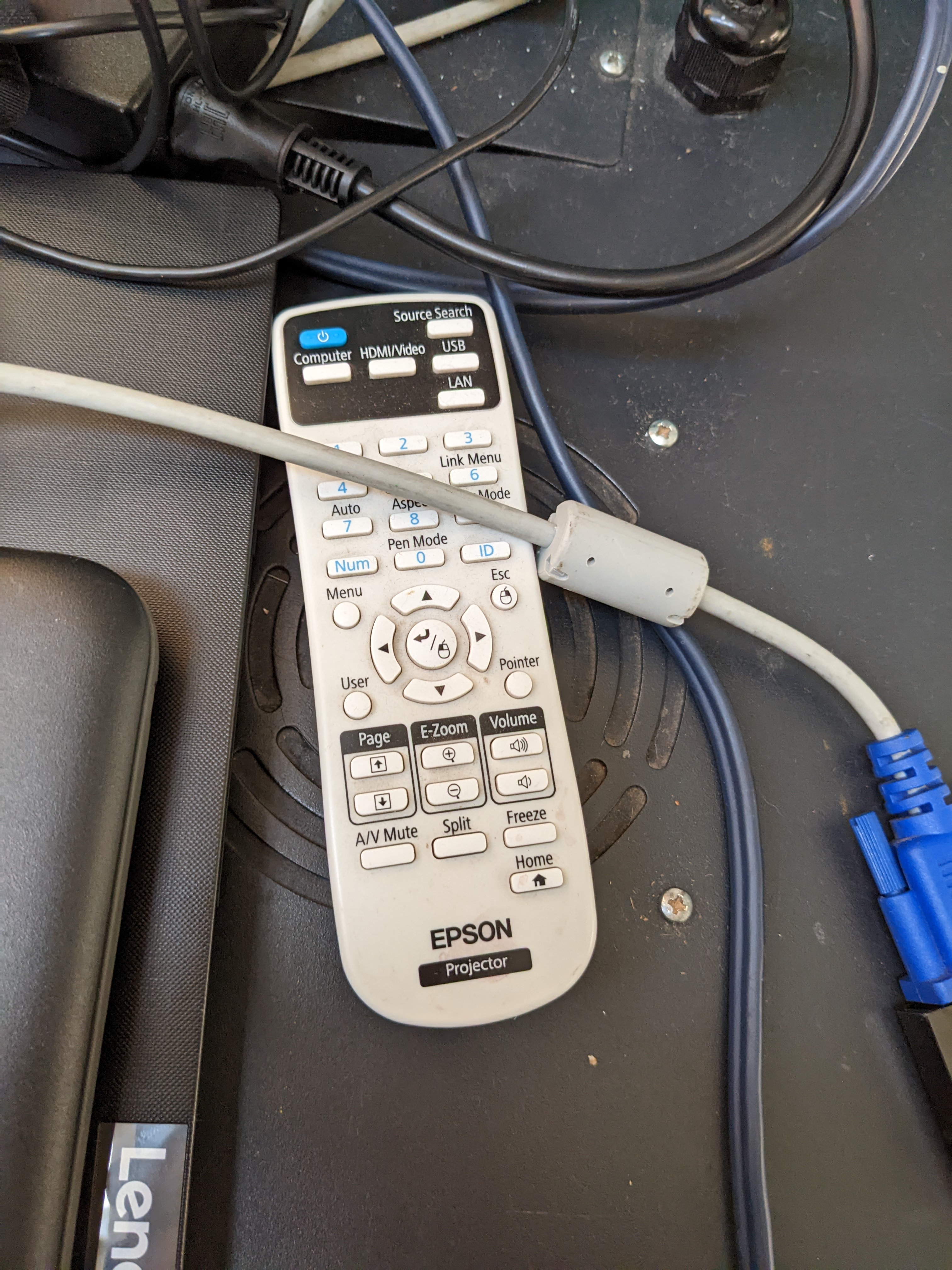
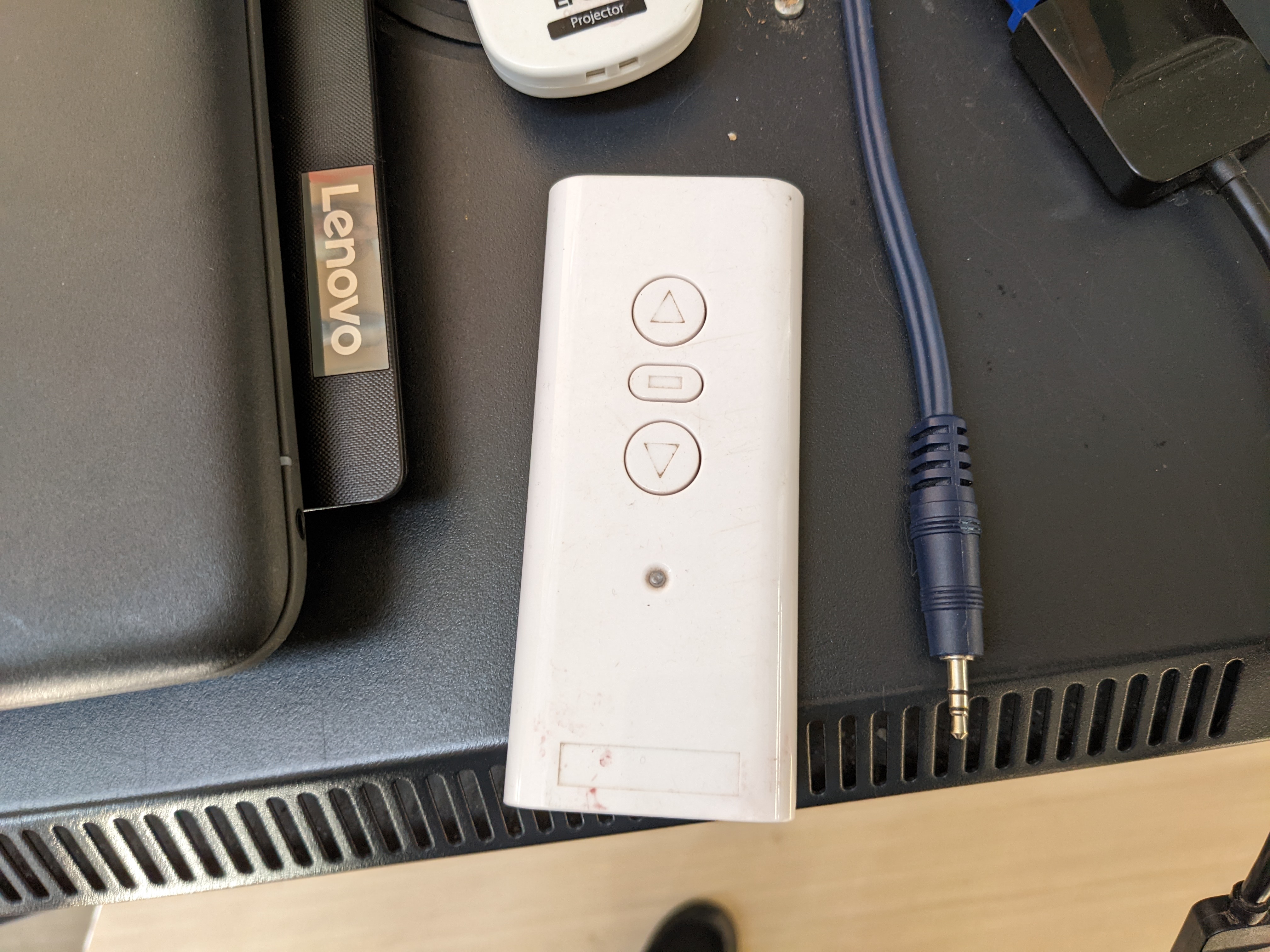
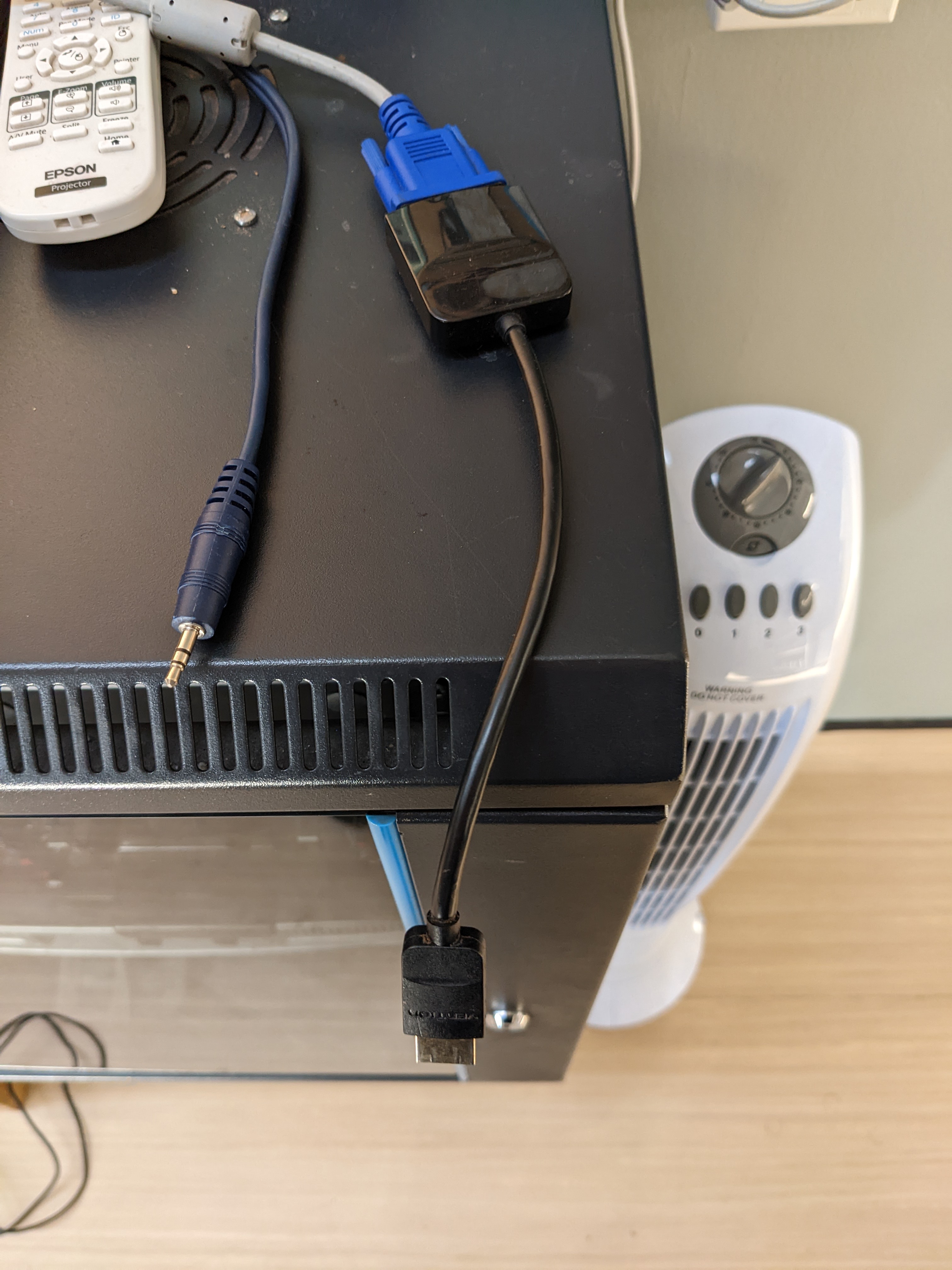
Step 3 - Plug in Sound and video (Left smaller blue cable for sound and right cable for Video, this shows as Computer 1 input)
Volume Adjustment - On the unit highlighted in RED for PC/laptop it is the right hand slide before the iPod dock and for adjusting other ones then use the slide with the corrisponding label