
Go to https://send.tresorit.com/
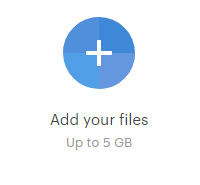
Click the + button to upload your file(s)
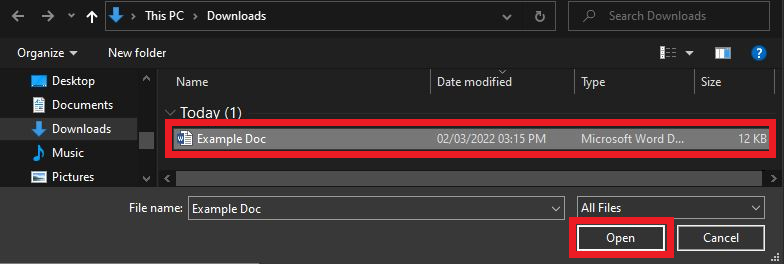
Find the file you would like to share.
Enter your email address in the box at the top.
You should choose to password protect your file which means the person that opens the link to your file will need to enter a password you set before they can access your file. The best way to share the password will be via text or call. Alternatively you can send a separate email with the password.
You can also get an email notification when someone opens your file.
If you need to add any additional files you can click the “Add more files” button at the bottom.
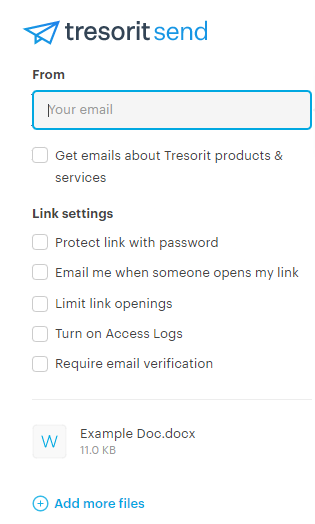
When you’re ready, click the “Create Secure Link” button.

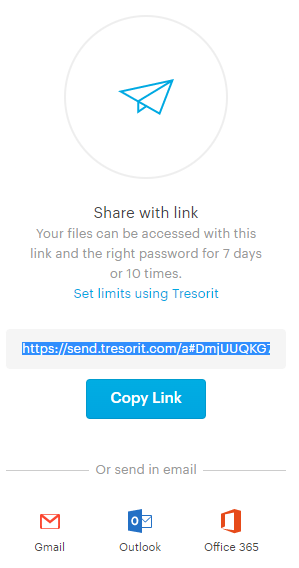
You’ll then be given a link that you can share with whoever you want to access the file. This link will be valid for 7 days or once it’s been accessed 10 times.
NOTE - Dont share the link and password to the user at same time, in the same email.
What happen’s when the user receives the link:
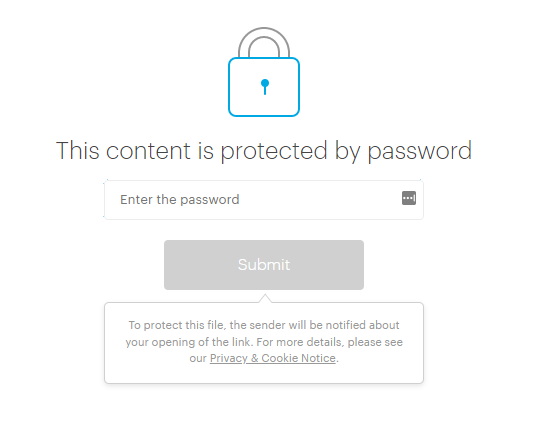
If you set a password then they will first be prompted to enter the password
They will then be given the option to either view or download the file you sent them.
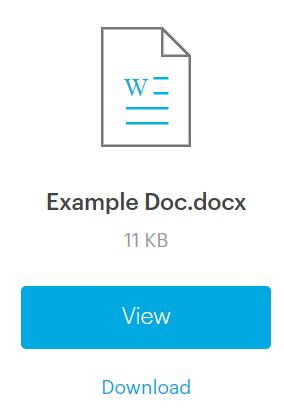
They will lose access to the file after 10 views or 7 days unless they download the file.