
Step 1 - Navigate to your Google Drive and open the document you wish to share

Step 2 - Click Share at the top right of the document
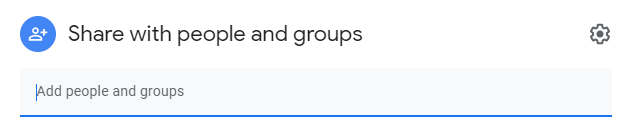
Step 3 - Once inside the sharing options - click the settings cog at the top right
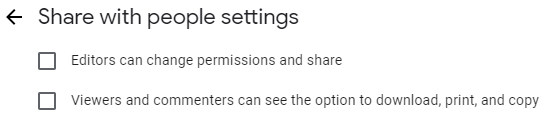
Step 4 - Disable both options to prevent sharing, downloading, printing and copying
Step 5 - Finally, Share with the people/groups you wish to share the document with using their email or the group name