
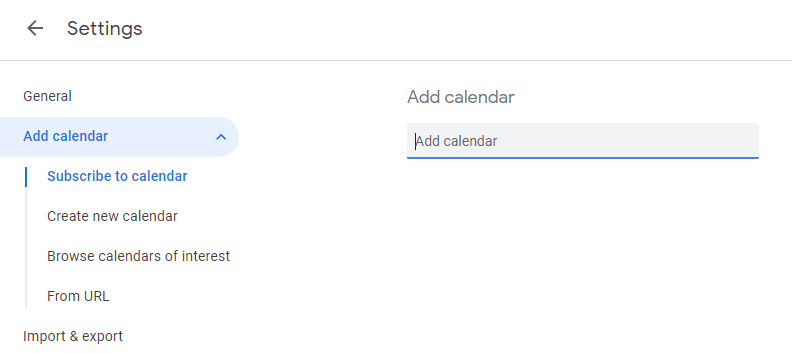
Click the + icon next to “Other calendars” and Select the Subscribe to calendar option.

In the Add calendar box please put one of the following
BCCS - staffschoolcalendar@bristolcathedral.org.uk
CPS - cpsstaffcalendar@cathedralprimaryschool.org
VPPS - fullschool@victoriaparkprimary.co.uk
HPPS - calendar@headleypark.bristol.sch.uk
SPPS - calendar@stokeparkprimary.org
TAB - staffcentralcalendar@trinityacademybristol.org
SKA - schoolcal@skdrive.org
HWPS - calendar@hotwell.bristol.sch.uk
Hiding Calendars in the list
To show a Calendar check the box to the left of the calendar name
To hide simply uncheck this
E.G. the screenshot would only show the CST IT calendar. Other calendars are hidden, but are still linked to the account and available to view when necessary.
