
How To Change Undo Send Timing:
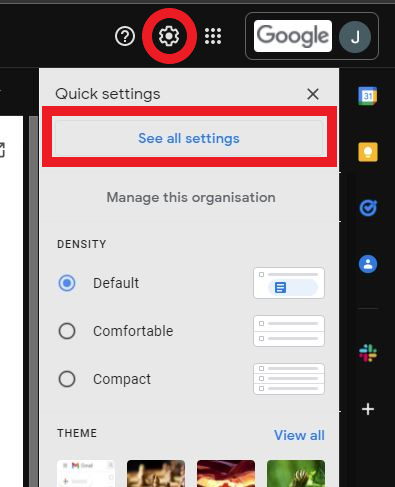
Click the cog in the top right corner of Gmail, then click see all settings
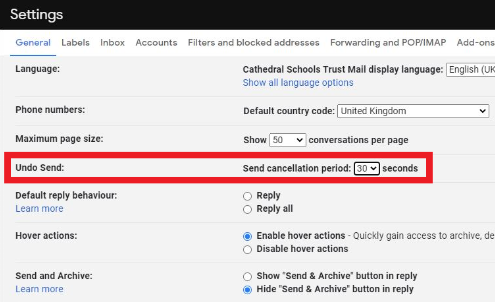
Find “Undo Send” and click the dropdown box. We would recommend setting this to 30 seconds but it’s personal preference.
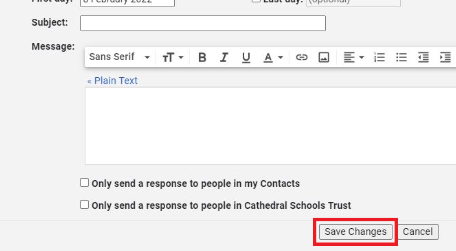
Scroll to the bottom of the page and click save changes
How To Undo A Sent Email:
Once you send an email, a box in the bottom left should appear with the option to undo. Click undo and it will cancel your sent email. This will be available until the time you set runs out.
